Home Heads Up
A reminder app for Australian households, covering bin days, weather, UV and everyday home tasks.
Designed and built by me.
- iOSLive
- AndroidBeta
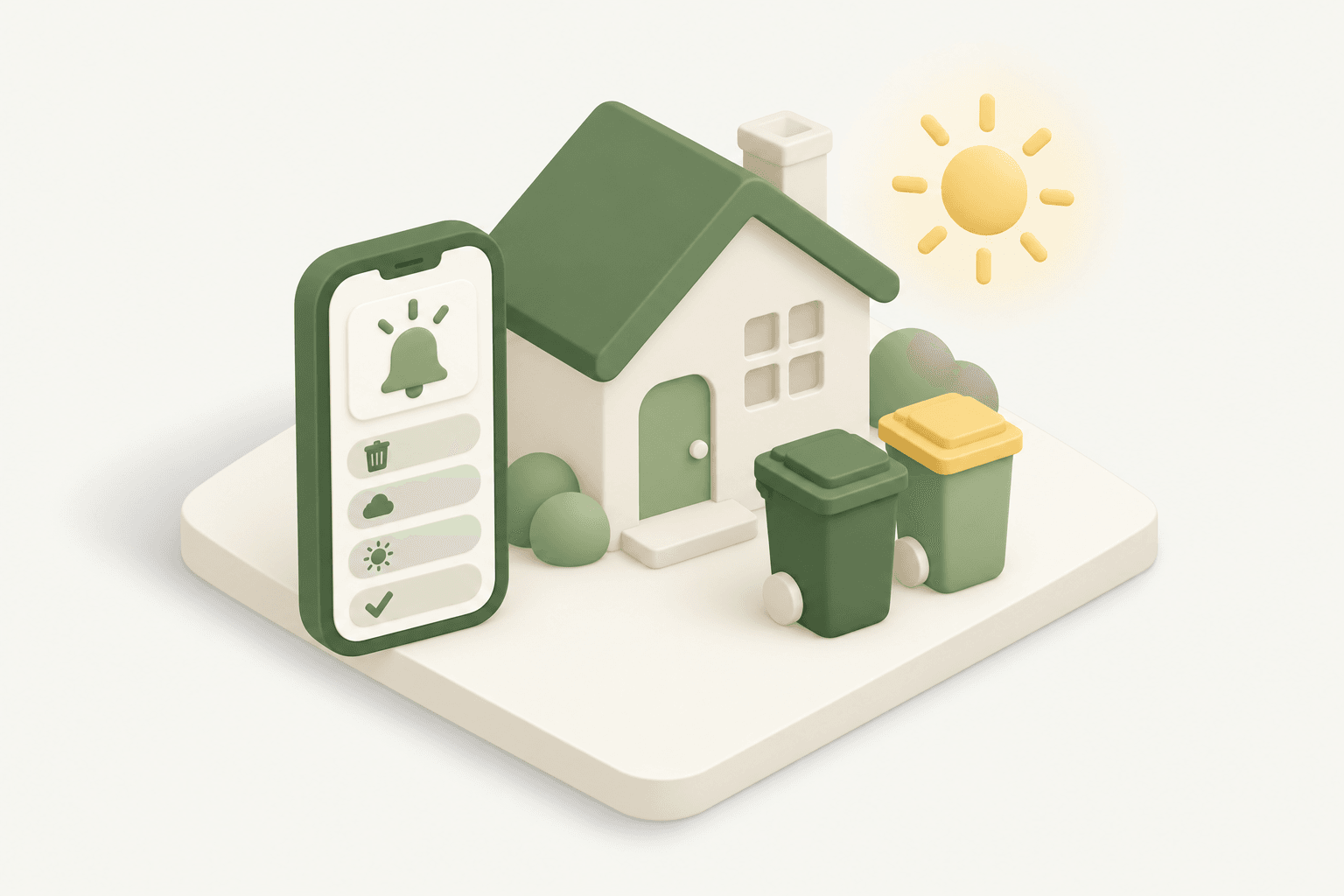
The product
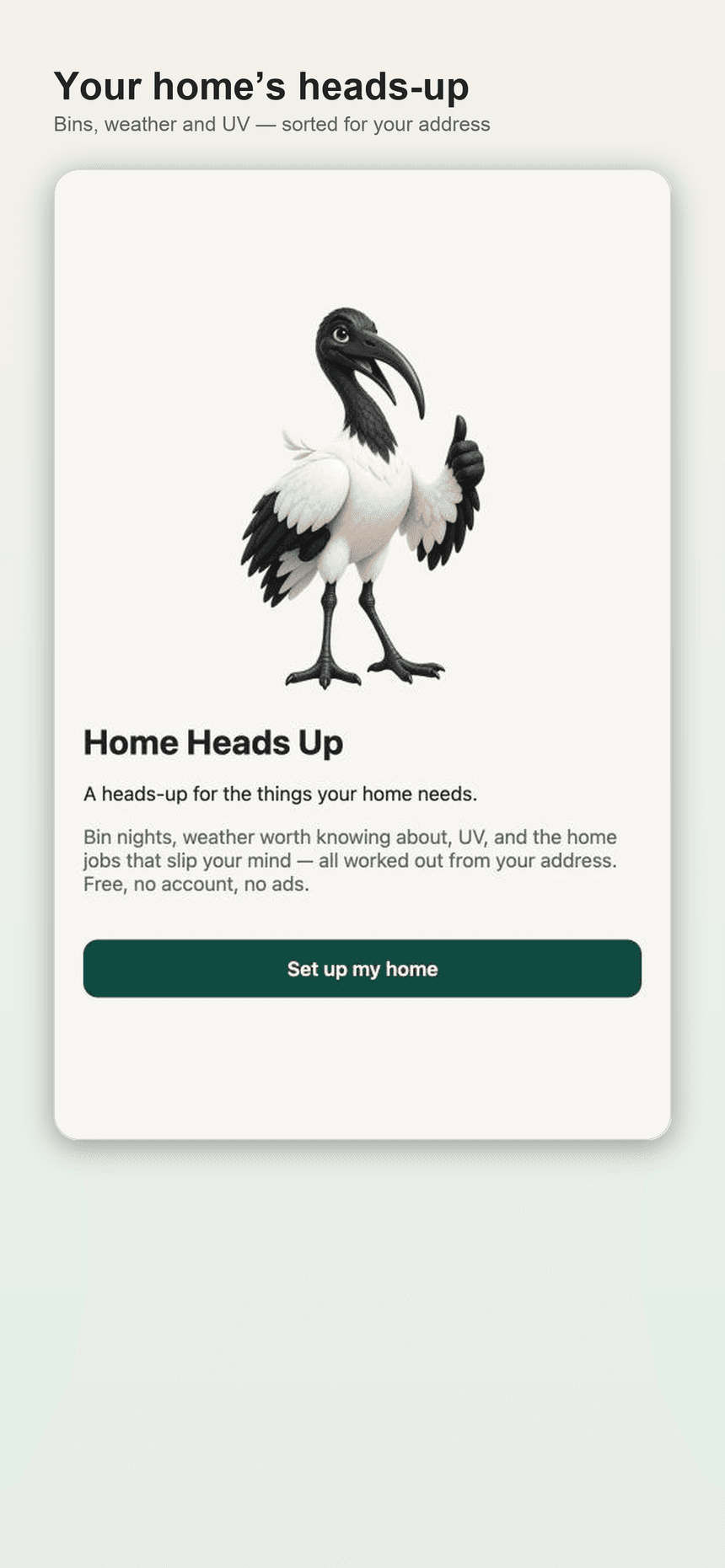
Set up from one address 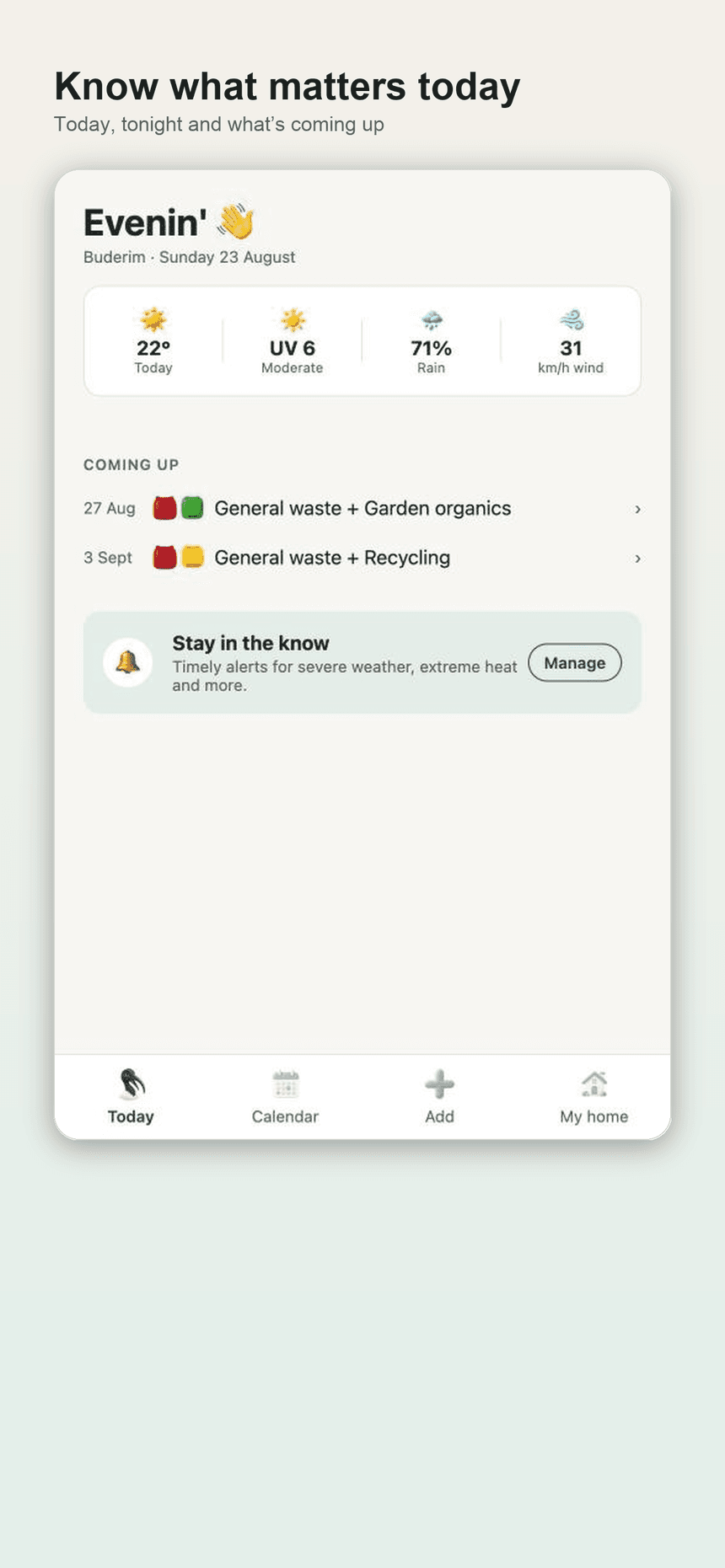
What matters today 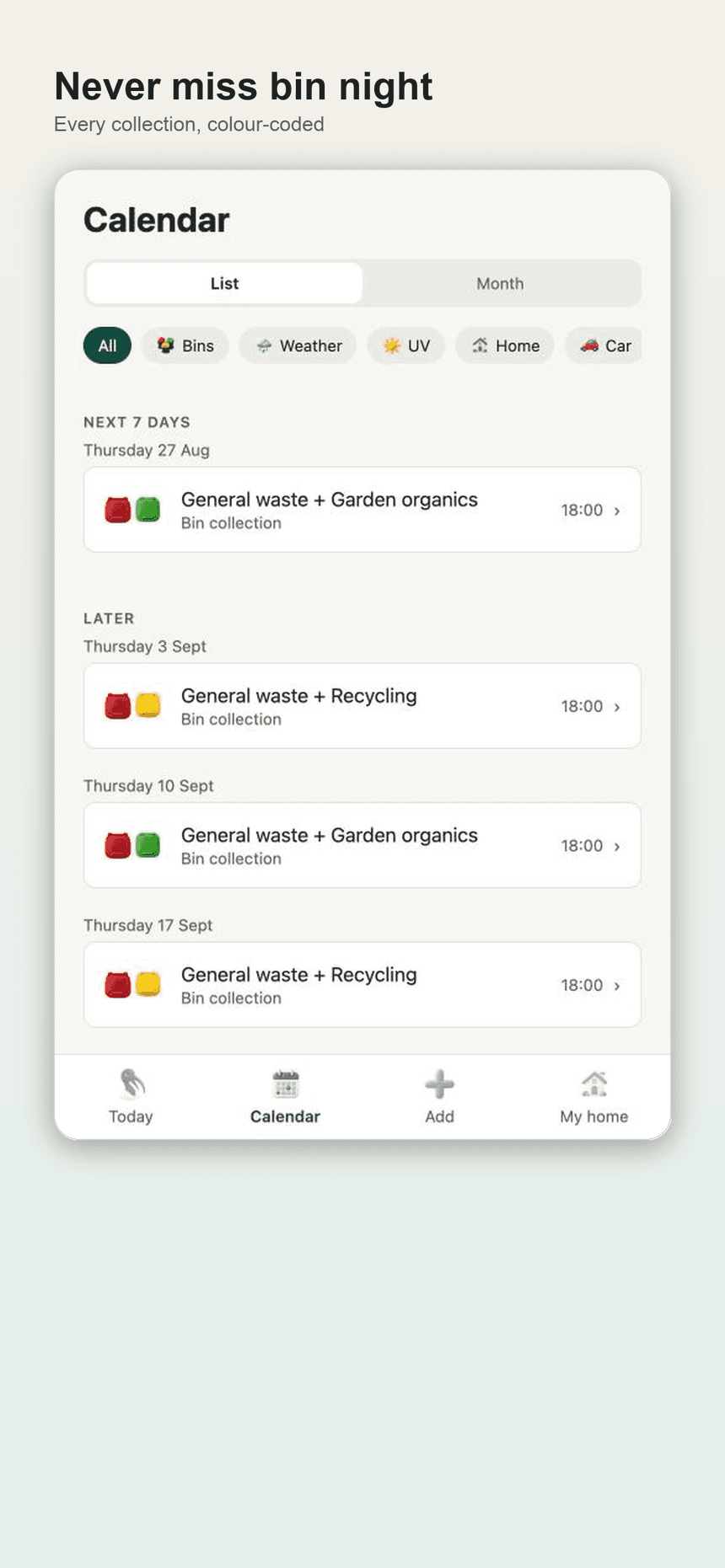
Every collection, colour-coded 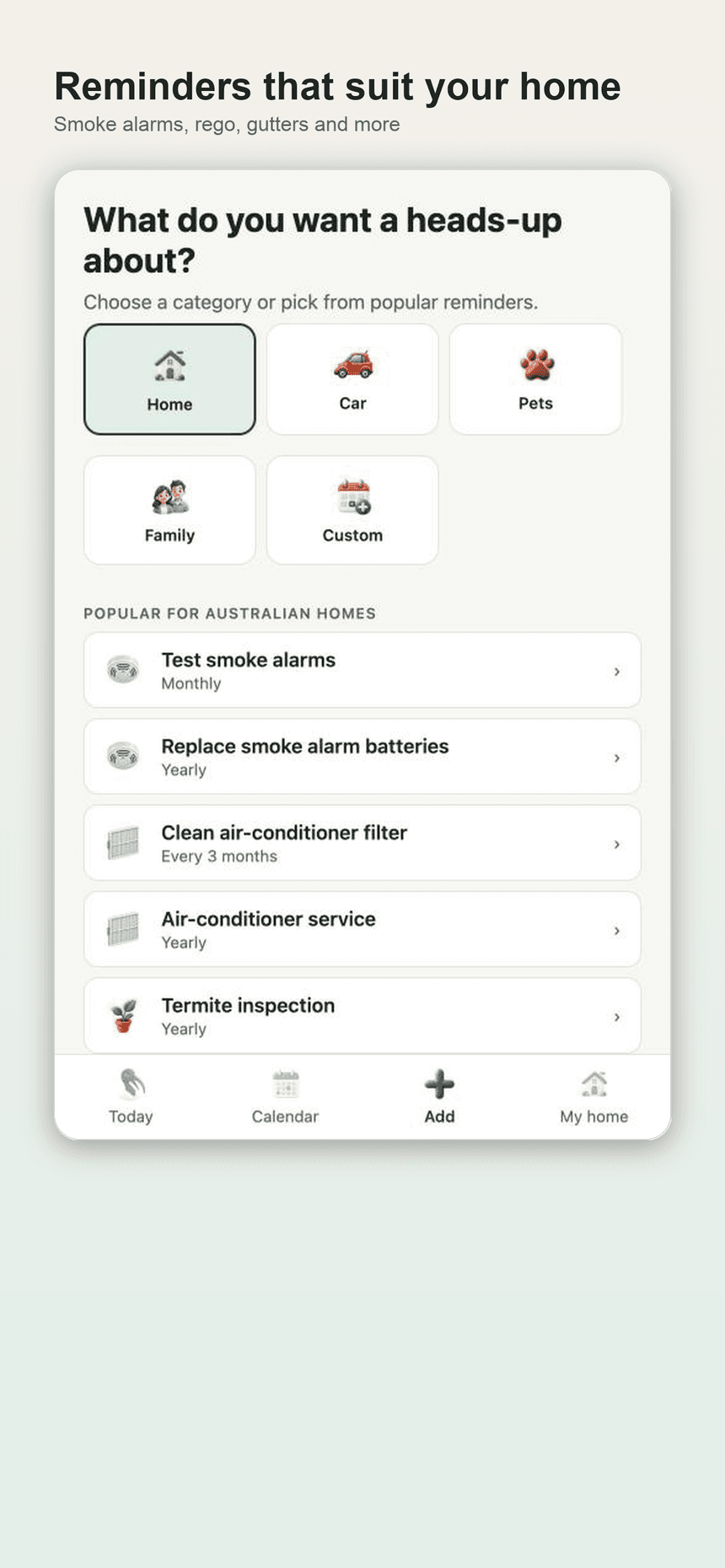
Reminders that suit the home 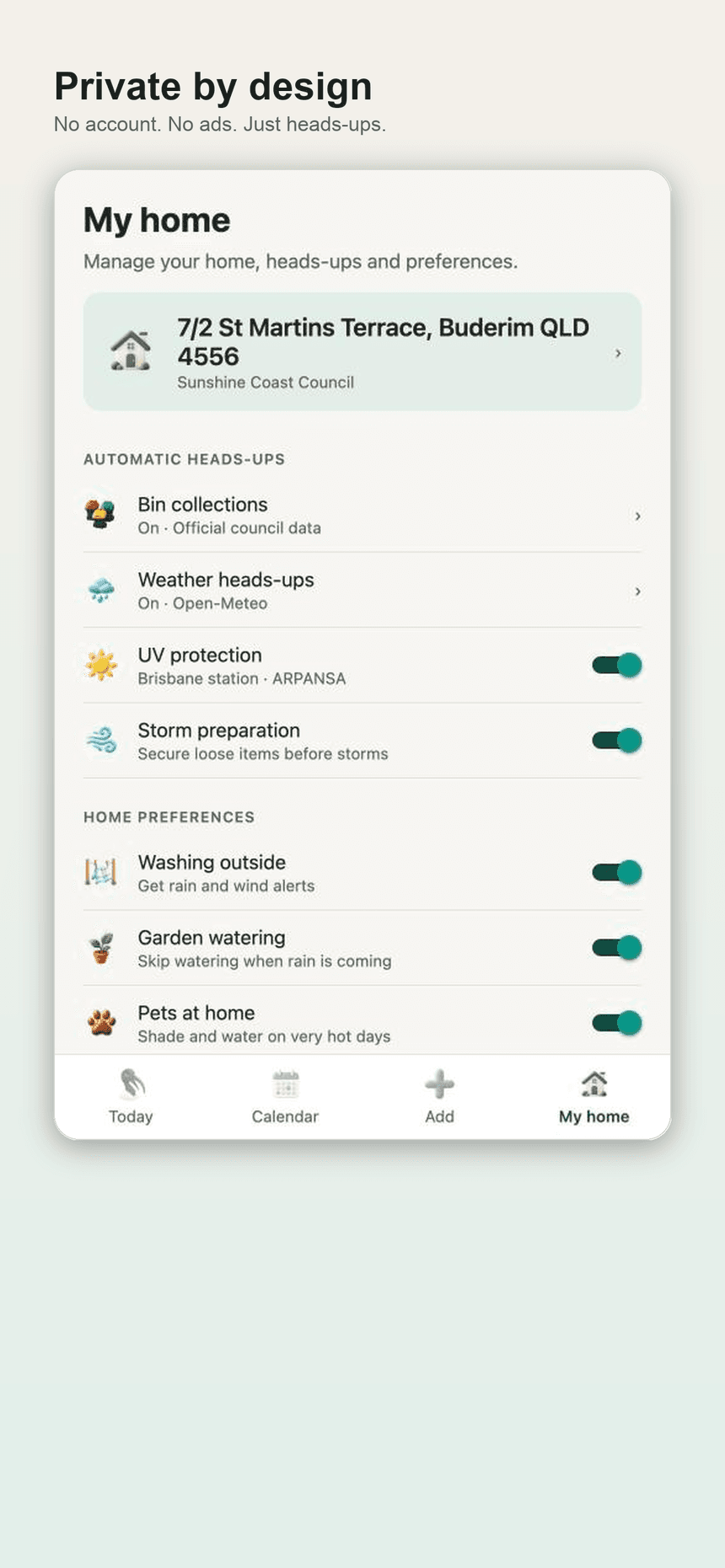
Private by design: no account
Screenshots from the App Store listing for Home Heads Up.
What it does
Home Heads Up is a free reminder assistant for Australian households. It knows your bin night, watches the weather and the UV, and keeps track of the home jobs that are easy to forget.
- Bin nights: automatic schedules where councils publish official data, and a simple manual setup that works anywhere in Australia.
- Weather worth acting on: messages like “Rain after 4 pm — bring the washing in” instead of another forecast.
- UV: one heads-up on high-UV days, using ARPANSA observations and forecasts.
- Home maintenance: Australian templates for smoke alarms, air-con filters, termite inspections and gutters.
- Car, pets and family: rego, licence, servicing, flea and tick treatments, vaccinations, birthdays and library books.
Why it stays quiet
I wanted one app to replace several noisy ones without becoming noisy itself. It sends one bin-night reminder and at most one UV heads-up a day, and quiet hours are on by default. Keeping notifications rare is a deliberate design choice.
Key decisions
No account. Setting up is one address search, with no email address. The address is used only to find your council and services, and address searches are never logged or stored.
Everything is opt-in. The app shows what is available for your location, and you switch on only what you want.
Free, with no tracking. There is no advertising, subscription or premium tier, and no analytics trackers in the app. The privacy page describes a one-tap “Delete my data” action.
How it is built
Home Heads Up is one Expo and React Native codebase for iPhone and Android. Bin schedules come from councils that publish official data. Where a council does not, a manual setup covers the gap. UV heads-ups use ARPANSA observations and forecasts.
Current state
- iPhone: live on the Australian App Store.
- Android: closed testing. The early-access page explains how to join the beta.
Beta testers are asked to check three things: whether the bin day and bin types are right for their address, whether reminders arrive at sensible times, and whether the Today screen matches what is happening outside.
Details
- Platforms
- iOS — live · App Store
- Android — beta
- Role
- Designed and built by me.
- Category
- Everyday tools
- Built with
- Expo, React Native
- Website
- homeheadsup.com
More products
All independent products
Chezzo
A children's chess app, from the first move to understanding checkmate.
iOS: live · Android: in review
Freely Forms
A free, open-source form builder that delivers every response as a new row in your own Google Sheet.
Web: live
Irregular Verbs: 3 Forms
A focused app for practising the three forms of English irregular verbs.
iOS: live · Android: live